
Table of Contents
You can rearrange search fields using drag-and-drop in the admin settings, so the most important filters always appear first.
To do this,
Go to your WordPress Admin dashboard → WBG Books → click on the Search Panel Settings.
After that, click on one Search Item and drag it slowly. Find the item you want to rearrange and drop it before or after that search item.
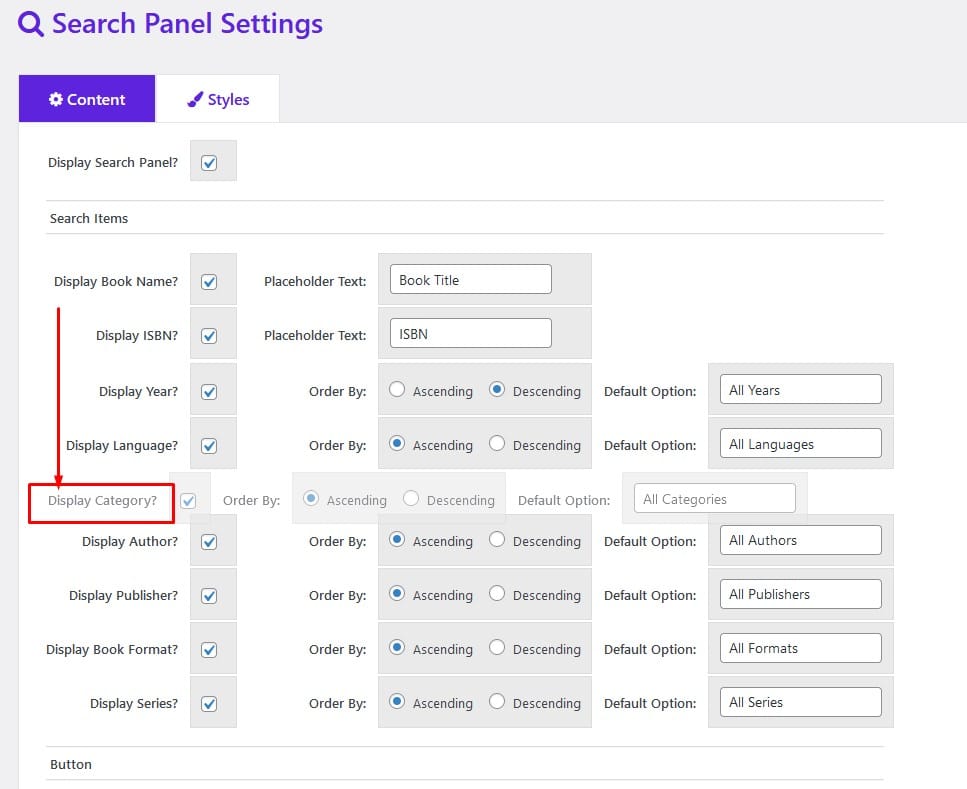
That’s it, no save required!
Now go to your Gallery Page and refresh it. You will see the top item will come first.
This feature provides the flexibility to choose how your visitors should see the important search items in your search panel.
▶ Auto-playing demo #


